Why Meta’s Official Data Export Is the Only Safe Way to Track Followers
Want to see who isn't following you back right now?
Use our safe Instagram unfollower checker — no login needed. Upload your official Instagram data export and get instant results.
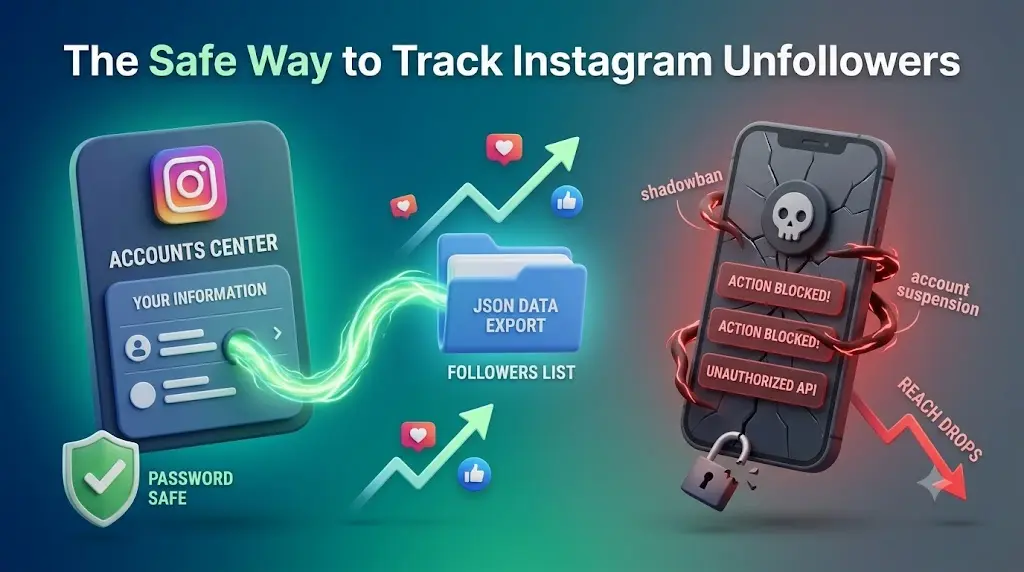
Is your Instagram reach suddenly dropping? Before you blame the algorithm, look at your audience. Inactive profiles, bots, and accounts that don't follow you back create algorithmic noise. When you post, Instagram tests your content on a small group of followers. If they don't interact, your reach gets cut.
To fix this, many people try third-party unfollower apps. That is a huge mistake.
The Big Risk of Third-Party Apps
Most follower tracker apps ask for your Instagram password or log into your account behind the scenes.
Instagram's security systems flag this as suspicious activity right away. Giving your password to these tools can lead to:
-
Temporary action blocks
-
Severe reach drops (shadowbans)
-
Permanent account suspension
The Safe Solution: Native Data Downloads
You don't need to hand over your password to clean up your account. The safest method is using Meta’s official "Download Your Information" tool inside your Accounts Center.
Instead of logging into a risky app, you simply request your official follower and following data directly from Instagram.
Why it works:
-
Zero Password Risk: You never give out your login details.
-
100% Safe: Requesting your own data is an official, built-in Meta feature that won't trigger security bans.
-
Complete Privacy: Your data stays on your device and is processed locally in your browser.
How to Do It in 3 Easy Steps
-
Request Your Data: Go to Instagram's Accounts Center -> Your Information and Permissions -> Download Your Information.
-
Select JSON Format: Choose to download your Followers and Following lists.
-
Analyze Locally: Use a secure, browser-based tool to safely compare the files on your own computer without sharing your password.
Protect your account and fix your reach without taking unnecessary security risks.
Want to see who isn't following you back right now?
Use our safe Instagram unfollower checker — no login needed. Upload your official Instagram data export and get instant results.
Related articles
- Auditing Nonprofit Instagram Accounts: Beyond Vanity Follower CountsFor charities and community organisations, social media success is measured in real-world action, not follower tallies. Here is how to run an effective, privacy-first audit.
- What Happens When an Instagram Follower Deactivates or Deletes Their AccountWhen a follower disappears, they may not have unfollowed you. Discover how Instagram handles deactivated and deleted accounts, from missing DMs to cached counters.
- How to Remove Third-Party Apps Connected to Your InstagramA complete, step-by-step cleanup guide on how to audit, revoke, and remove third-party apps connected to your Instagram account on mobile and desktop.
- What Happens to Instagram Reach in the First 14 Days After a Follower PurgeDoes removing followers affect reach immediately? Here is a breakdown of what happens to your Instagram impressions, engagement percentages, and algorithmic distribution during the first 14 days after an audience clean-up.
- Why Your Instagram Export Count Is Missing Deactivated AccountsWhen your official Instagram export lists fewer followers than the number displayed on your profile, deactivated accounts and pending requests are usually responsible. Here is how Meta treats dormant records in data downloads.