Why Am I Suddenly Losing Instagram Followers? (The 2026 Bot Purge Explained)
Want to see who isn't following you back right now?
Use our safe Instagram unfollower checker — no login needed. Upload your official Instagram data export and get instant results.
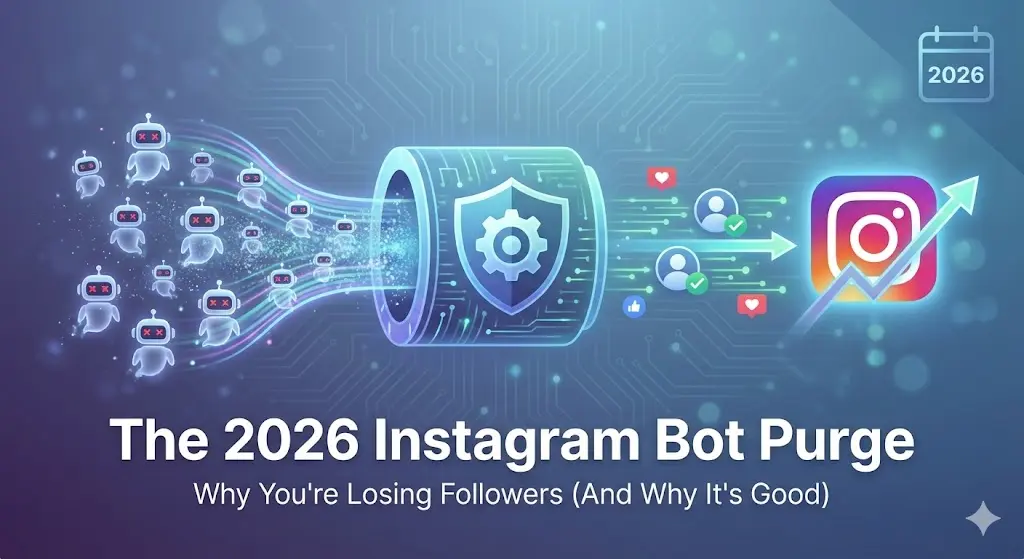
It is a terrible feeling. You wake up, open Instagram, and realize your follower count dropped by 20, 50, or even 100 people overnight. Your first instinct is to panic, wonder if you have been shadowbanned, or worry that your latest post drove people away.
But before you start deleting your content or rethinking your entire strategy, take a deep breath.
The short answer: it is probably not your fault. It is highly likely you just got caught in a routine Instagram bot purge.
What is the 2026 Instagram Bot Purge?
Throughout 2026, Instagram has significantly ramped up its efforts to clean up the platform. The platform regularly conducts massive sweeps to identify and delete fake accounts, bots, and inactive users.
When Instagram deletes these illegitimate accounts from the platform, they are immediately erased from your follower count. So, that sudden overnight drop? It is usually just Instagram taking out the trash, not real people deciding they don't like you anymore.
Why Losing Fake Followers is Actually Good for You
It might sting to see your vanity metrics drop, but a bot purge is actually one of the best things that can happen to your account's health.
- Improved Engagement Rate: Fake followers hurt your engagement rate. Removing inactive accounts is healthy for your profile because it directly improves that engagement rate.
- Better Algorithmic Reach: Instagram's algorithm uses your engagement rate to decide how it shows your content. A smaller audience that genuinely connects with your content is far more valuable than a massive, disengaged one.
- Restored Credibility: Fake followers skew your insights and make your account look less credible, especially if you are running a business.
Real Unfollows vs. Bot Purges: How to Tell the Difference
While bot purges are the most common culprit for sudden drops, real people do occasionally unfollow. Natural attrition happens when people's interests change over time. Followers might also leave if you fall into the trap of being too promotional or posting inconsistently.
The problem is, the Instagram app doesn't tell you who left. You are just left guessing whether you lost a real, loyal customer or a crypto-scam bot.
The Safe Way to Verify the Drop
The only 100% safe method to check exactly who unfollowed you is using Instagram's official data export. This is exactly what ByeBud uses.
Instead of guessing if a bot purge hit your account, you can use ByeBud to compare your data. If the accounts missing from your list are random usernames with no profile pictures, you know it was a bot purge. If they are real peers in your niche, you know you might need to adjust your content strategy.
Why This Method Is Safe
Unlike dangerous third-party apps that promise to track your followers, ByeBud protects your account from bans and hackers:
- You never share your password with anyone
- Data is processed locally in your browser
- No bots or scrapers touch your account
- Instagram can't ban you for using their own export feature
- Your data never leaves your device
Conclusion
In 2026, a sudden drop in Instagram followers is rarely a crisis—it is usually just the platform cleaning house. Don't stress over vanity numbers. Use Instagram's official data export and ByeBud to safely monitor your real audience, and focus on creating great content for the people who actually want to be there.
Want to see who isn't following you back right now?
Use our safe Instagram unfollower checker — no login needed. Upload your official Instagram data export and get instant results.
Related articles
- Auditing Nonprofit Instagram Accounts: Beyond Vanity Follower CountsFor charities and community organisations, social media success is measured in real-world action, not follower tallies. Here is how to run an effective, privacy-first audit.
- What Happens When an Instagram Follower Deactivates or Deletes Their AccountWhen a follower disappears, they may not have unfollowed you. Discover how Instagram handles deactivated and deleted accounts, from missing DMs to cached counters.
- How to Remove Third-Party Apps Connected to Your InstagramA complete, step-by-step cleanup guide on how to audit, revoke, and remove third-party apps connected to your Instagram account on mobile and desktop.
- What Happens to Instagram Reach in the First 14 Days After a Follower PurgeDoes removing followers affect reach immediately? Here is a breakdown of what happens to your Instagram impressions, engagement percentages, and algorithmic distribution during the first 14 days after an audience clean-up.
- Why Your Instagram Export Count Is Missing Deactivated AccountsWhen your official Instagram export lists fewer followers than the number displayed on your profile, deactivated accounts and pending requests are usually responsible. Here is how Meta treats dormant records in data downloads.