Turning Churn into Clues: How to Audit Your Instagram Content Using Unfollower Insights
Want to see who isn't following you back right now?
Use our safe Instagram unfollower checker — no login needed. Upload your official Instagram data export and get instant results.
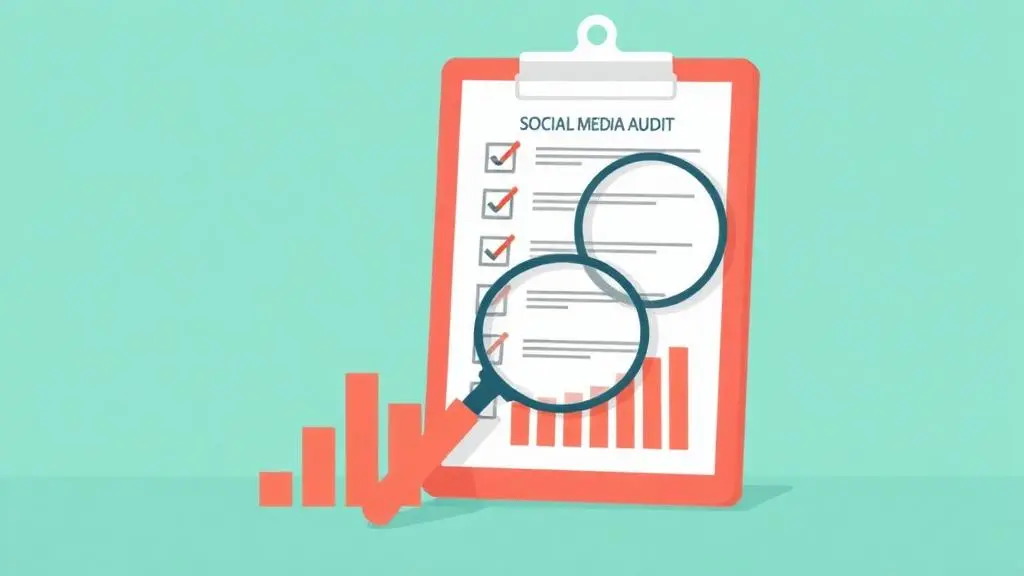
Standard social media reviews typically focus exclusively on vanity metrics like follower gains and total impressions. While tracking growth matters, ignoring audience loss leaves a massive blind spot in your strategy. Unfollower metrics act as direct, unfiltered feedback that can reveal exactly where your content is missing the mark.
The Hidden Value of Tracking Unfollows
-
Completeness: Standard dashboards show who joined, but monitoring those who leave uncovers the full retention picture.
-
Course Correction: Spikes in departures provide immediate signals about what topics or posting habits alienate your community.
-
Audience Hygiene: Regular checkups help distinguish authentic engagement from automated or low-intent follower loops.
Step-by-Step Unfollower Audit Framework
-
Export Your Data: Generate an official Instagram data export and analyze it securely via ByeBud without risking your account credentials.
-
Establish a Baseline: Document your core numbers, including your follower count, following count, and general ratio.
-
Audit the Content Timeline: Review your publishing history from the past month, noting formats, themes, and frequency.
-
Cross-Reference Churn: Look for direct correlations between specific posts, days, or promotional pushes and drops in your follower count.
-
Execute Adjustments: Refine your posting calendar, pivot away from alienating formats, and clean up your profile positioning based on what the data reveals.
Essential Audit Questions to Ask Yourself
-
Is my follower-to-following ratio balanced and healthy?
-
Do my recent departures share a common content theme?
-
Am I leaning too heavily into promotional material instead of organic value?
-
Is my current messaging aligned with what attracted my audience originally?
Strategic Action Plan
-
This Week: Map out your baseline metrics and update your profile bio to clearly reflect your current content direction.
-
This Month: Adjust your content calendar based on your retention patterns and experiment with formats that encourage loyalty.
-
This Quarter: Establish a monthly tracking cadence using secure, privacy-first local data analysis to steadily optimize your growth strategy.
Conclusion
Integrating unfollower analytics into your periodic reviews transforms audience loss into actionable intelligence. By evaluating what drives people away and maintaining secure monthly tracking habits, you can protect your account health and build a resilient, engaged community.
Want to see who isn't following you back right now?
Use our safe Instagram unfollower checker — no login needed. Upload your official Instagram data export and get instant results.
Related articles
- Auditing Nonprofit Instagram Accounts: Beyond Vanity Follower CountsFor charities and community organisations, social media success is measured in real-world action, not follower tallies. Here is how to run an effective, privacy-first audit.
- What Happens When an Instagram Follower Deactivates or Deletes Their AccountWhen a follower disappears, they may not have unfollowed you. Discover how Instagram handles deactivated and deleted accounts, from missing DMs to cached counters.
- How to Remove Third-Party Apps Connected to Your InstagramA complete, step-by-step cleanup guide on how to audit, revoke, and remove third-party apps connected to your Instagram account on mobile and desktop.
- What Happens to Instagram Reach in the First 14 Days After a Follower PurgeDoes removing followers affect reach immediately? Here is a breakdown of what happens to your Instagram impressions, engagement percentages, and algorithmic distribution during the first 14 days after an audience clean-up.
- Why Your Instagram Export Count Is Missing Deactivated AccountsWhen your official Instagram export lists fewer followers than the number displayed on your profile, deactivated accounts and pending requests are usually responsible. Here is how Meta treats dormant records in data downloads.