The "Ego Trap": Why Big Brands Don’t Care Who Unfollowed Them
Want to see who isn't following you back right now?
Use our safe Instagram unfollower checker — no login needed. Upload your official Instagram data export and get instant results.
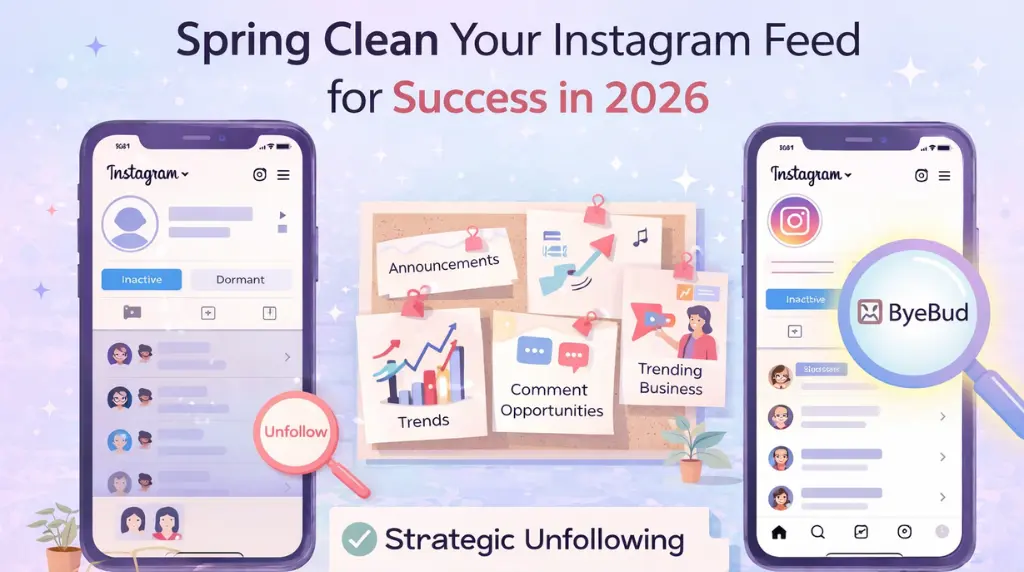
We’ve all been there. You open an app, see your follower count dropped by three, and spend the next twenty minutes wondering what you said wrong. It’s an ego bruise, sure. But if you want to actually win on Instagram in 2026, you need to stop obsessing over who left and start looking at who you’re still hanging out with.
In the world of big brands and top-tier creators, the "Following" list isn't just a list of friends—it’s Competitive Intelligence. ---
Your Feed is Your Brain (Treat it That Way)
Think of your Instagram feed as your morning newspaper. If that paper is filled with noise—dormant accounts from 2022, people you met once at a party, or "legacy follows" that don't even post anymore—you’re missing the news that actually matters.
When your following list is "overweight," you miss the networking opportunities that grow your business. You miss your peers' big announcements, you miss the trends before they blow up, and you miss the chance to jump into a high-value conversation in the comments.
If your feed is a mess, your strategy will be a mess, too.
Why You Need a "Spring Cleaning" Every Quarter
Auditing your list isn't about being "too cool" to follow people back. It’s about Strategic Pruning. Just like a garden, if you don't cut back the dead weight, the stuff you actually care about can't grow.
1. The "Ghost Mutual" Problem
We all have them: people who follow us, we follow them, but neither of us has liked a post in two years. These "Ghost Mutuals" are killing your reach. They tell the algorithm that your content isn't even interesting to your "friends." Using ByeBud to spot these quiet accounts helps you decide who stays and who goes.
2. The Dormant Account Danger
In 2026, following accounts that haven't posted in six months is an algorithmic red flag. It signals that you’re interested in "dead niches," which can actually suppress your own posts. If they aren't posting, they shouldn't be in your feed.
3. The "Does This Make Me Money?" Test
It sounds harsh, but ask yourself: Is this account inspiring me, teaching me something, or someone I could potentially work with? If the answer is "no," they’re just taking up space in your digital newsroom.
Reclaiming Your Feed with ByeBud
Step 1: Get the Real Truth
Don't trust what the Instagram app shows you in the "Following" tab—it’s filtered. Request your official data export. It’s the only way to see the raw, honest list of your connections.
Step 2: Spot the One-Way Streets
Upload that file to ByeBud. Take a long look at the "Not Following Back" list. Some are your idols (keep those!), but others are likely peers who have moved on. If you aren't getting value from them, why are you giving them your attention?
Step 3: Clean the Slate
Once you identify the noise, start pruning. You’ll notice something almost immediately: your Explore page gets better, your Home feed gets more relevant, and you actually start enjoying being on the app again.
The Bottom Line
Stop taking unfollows personally. It’s just data. Instead, start taking your "Following" list professionally. The leanest, most curated accounts are the ones that actually lead the conversation in 2026.
Want to see who isn't following you back right now?
Use our safe Instagram unfollower checker — no login needed. Upload your official Instagram data export and get instant results.
Related articles
- Auditing Nonprofit Instagram Accounts: Beyond Vanity Follower CountsFor charities and community organisations, social media success is measured in real-world action, not follower tallies. Here is how to run an effective, privacy-first audit.
- What Happens When an Instagram Follower Deactivates or Deletes Their AccountWhen a follower disappears, they may not have unfollowed you. Discover how Instagram handles deactivated and deleted accounts, from missing DMs to cached counters.
- How to Remove Third-Party Apps Connected to Your InstagramA complete, step-by-step cleanup guide on how to audit, revoke, and remove third-party apps connected to your Instagram account on mobile and desktop.
- What Happens to Instagram Reach in the First 14 Days After a Follower PurgeDoes removing followers affect reach immediately? Here is a breakdown of what happens to your Instagram impressions, engagement percentages, and algorithmic distribution during the first 14 days after an audience clean-up.
- Why Your Instagram Export Count Is Missing Deactivated AccountsWhen your official Instagram export lists fewer followers than the number displayed on your profile, deactivated accounts and pending requests are usually responsible. Here is how Meta treats dormant records in data downloads.