The 2026 Shadowban Test: Are You Hidden?
Want to see who isn't following you back right now?
Use our safe Instagram unfollower checker — no login needed. Upload your official Instagram data export and get instant results.
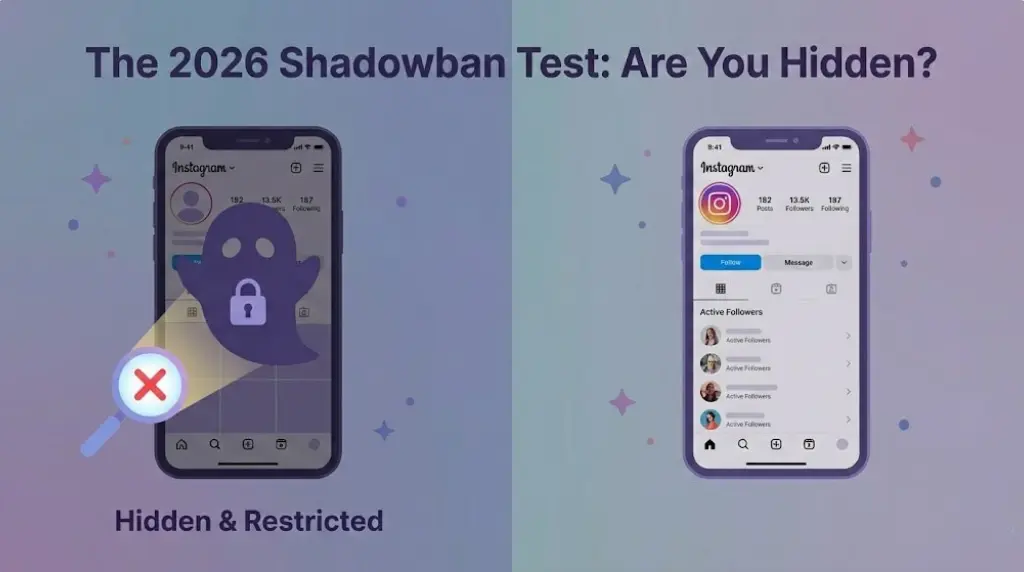
The 2026 Shadowban Test: Are You Hidden?
Is your reach dropping? You might not be paranoid; you might actually be shadowbanned. Losing engagement on Instagram can be incredibly frustrating, but not knowing why your content is failing is even worse.
In 2026, Instagram's algorithms are stricter than ever. If you've noticed a sudden drop in views and are wondering if your account has been secretly restricted, here is the definitive 3-step test to find out for sure—and how to ensure your unfollower tools aren't the ones causing it.
The Main Symptom of a Shadowban
An Instagram shadowban is a silent restriction placed on your account. The most obvious symptom is a dramatic drop in reach to non-followers. When you are shadowbanned, your content becomes nearly invisible to anyone who doesn't already follow you because your posts will not appear on the Explore page or in hashtag searches.
The #1 Trigger: Unauthorized Login Apps
Before testing your account, it is crucial to understand why this happens. While violating community guidelines is a common cause, one of the fastest ways to trigger a shadowban in 2026 is by giving your password to third-party "unfollower" apps.
These apps log into your account and use automated bots to scrape data, which Instagram's spam detection systems immediately flag as unnatural activity. This can result in your content being severely restricted or your account being temporarily locked.
Step-by-Step: The 3-Step Shadowban Test
Step 1: The Manual Hashtag Test
- Create a new post and use a completely unique, uncommon hashtag (e.g., #YourBrandNameTest2026).
- Wait 5 to 10 minutes for Instagram to index the post.
- Log into a separate account that does not follow you, or ask a friend to help.
- Search for that unique hashtag. If your post does not appear in the "Recent" tab, it is a strong signal that your account is shadowbanned.
Step 2: Check Your Native Account Status
- Open your Instagram app and go to your profile.
- Tap the three lines (menu) in the top right corner and navigate to your Settings.
- Scroll down and tap on "Account Status".
- Look for any alerts indicating that your content isn't eligible for recommendations or if you have violated guidelines.
Step 3: Audit Your App Permissions
- Go to your Instagram Settings on a computer, click "Edit Profile," and look for "Website permissions - Apps and websites".
- If you see any active third-party unfollower apps or tracking tools, click "Remove" immediately to disconnect them from your account.
The Safe Alternative: ByeBud
If you want to track your unfollowers without risking a shadowban, ByeBud is the safe alternative. Because ByeBud uses your official Instagram data export, it never requires your login credentials or password.
Since there is no unauthorized API access, no bots, and no scraping, your account activity remains completely natural. ByeBud is 100% invisible to Instagram's spam filters and cannot cause a shadowban.
Conclusion
Don't let unsafe third-party login apps ruin your hard work and reach. Run the shadowban test to check your account's health, and always use Instagram's official data export combined with ByeBud to manage your followers safely in 2026.
Want to see who isn't following you back right now?
Use our safe Instagram unfollower checker — no login needed. Upload your official Instagram data export and get instant results.
Related articles
- Auditing Nonprofit Instagram Accounts: Beyond Vanity Follower CountsFor charities and community organisations, social media success is measured in real-world action, not follower tallies. Here is how to run an effective, privacy-first audit.
- What Happens When an Instagram Follower Deactivates or Deletes Their AccountWhen a follower disappears, they may not have unfollowed you. Discover how Instagram handles deactivated and deleted accounts, from missing DMs to cached counters.
- How to Remove Third-Party Apps Connected to Your InstagramA complete, step-by-step cleanup guide on how to audit, revoke, and remove third-party apps connected to your Instagram account on mobile and desktop.
- What Happens to Instagram Reach in the First 14 Days After a Follower PurgeDoes removing followers affect reach immediately? Here is a breakdown of what happens to your Instagram impressions, engagement percentages, and algorithmic distribution during the first 14 days after an audience clean-up.
- Why Your Instagram Export Count Is Missing Deactivated AccountsWhen your official Instagram export lists fewer followers than the number displayed on your profile, deactivated accounts and pending requests are usually responsible. Here is how Meta treats dormant records in data downloads.