How to Remove Instagram Followers in Bulk Using Native Tools
Want to see who isn't following you back right now?
Use our safe Instagram unfollower checker — no login needed. Upload your official Instagram data export and get instant results.
How to Remove Instagram Followers in Bulk Using Native Tools
Most "bulk unfollow" tools out there want your Instagram login and use unofficial APIs to do their thing — which is a fast track to a shadowban or a suspended account. You don't need any of that. Instagram has one genuinely useful native feature for this, plus a safe manual workflow for the rest.
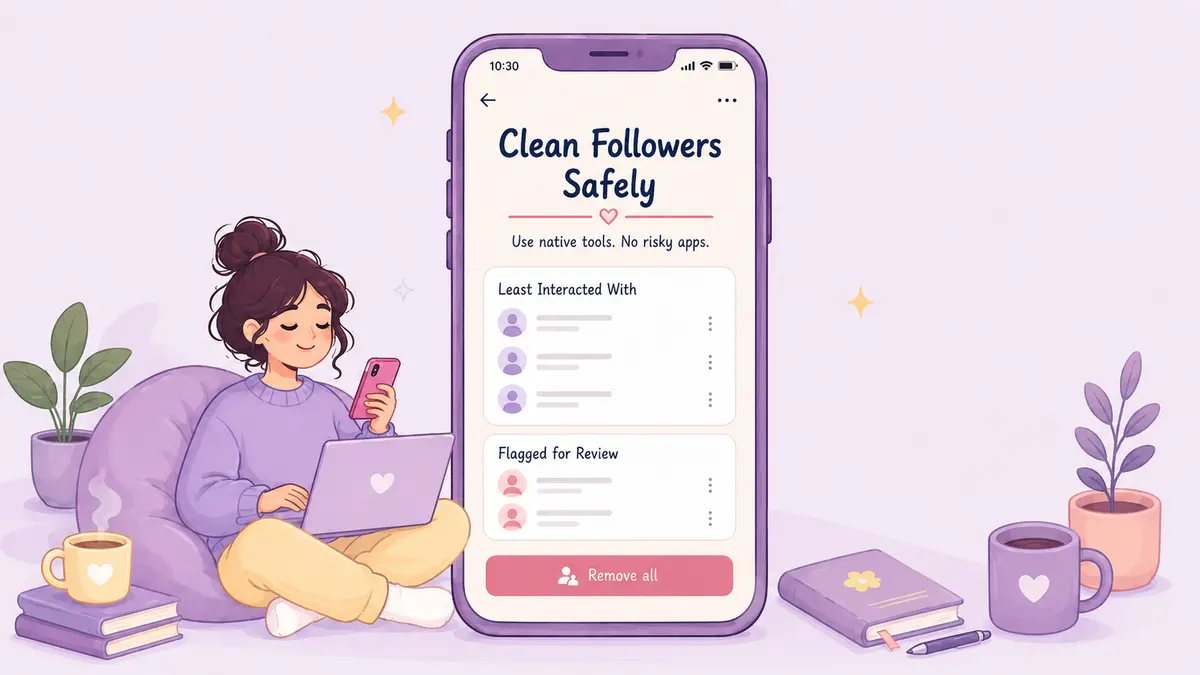
Check the "Flagged for Review" tab
Instagram runs its own spam detection in the background, flagging followers that show bot-like signs — default profile pictures, odd following ratios, suspicious activity patterns. If you have a "Flagged for Review" section under your followers, that's Instagram doing some of the triage for you, with a "Remove all" option to clear the batch in one tap, or you can go through it one by one first.
Two caveats worth knowing: this feature is currently limited to accounts with under roughly 1,000 followers, and it's not perfect — it occasionally flags real, legitimate followers along with the spam. Worth a quick skim before hitting "Remove all" rather than trusting it blindly.
Don't confuse this with "Least Interacted With"
You may also come across a "Least Interacted With" filter — but that one lives under your Following list, not your followers. It's for trimming who you follow and rarely engage with, not for cleaning up who follows you. Useful in its own right, just not for this particular task.
And one to rule out entirely: Instagram doesn't have a native "Accounts You Don't Follow Back" filter anywhere in the app. If you've seen that mentioned, it's not real — the only way to get that list is by comparing your followers and following data yourself, or with a tool that does it for you.
Mind Instagram's rate limits
Even using official buttons, removing accounts too fast can trip Instagram's spam detection. Keep it reasonable:
- No more than 30-50 removals per hour
- Around 100-150 total in a 24-hour window
- Leave a real pause between taps instead of going machine-speed
Go over that and you risk a temporary action block — usually gone in a day or two, but repeated blocks can hurt your account's standing longer term. Better to spread a big cleanup over several days.
Combine an offline audit with manual removal
For a properly systematic cleanup — including actually finding out who doesn't follow you back, since Instagram won't show you that natively — start with your official data export from Instagram's Accounts Centre. ByeBud reads that file locally in your browser, no login needed, and gives you a clear list of who to target before you touch the app at all.
Then it's just:
- Open Instagram
- Search the username from your list
- Tap Remove
- Do 25-30 at a time, a couple times a day
You get the precision of a full audit without ever handing your credentials to anything.
Keep the bloat from coming back
A couple of settings changes help long-term. Turn on "Filter spam followers" under Follow and Invite Friends — it routes suspicious accounts straight into the flagged queue instead of your main list. And if you get a spike from a viral post or promo, it's worth checking your followers shortly after, since that's usually when bot accounts pile in.
The Flagged for Review tool plus a manual, paced cleanup gets you the same result as a "bulk delete" tool — just without handing your account over to one.
Want to see who isn't following you back right now?
Use our safe Instagram unfollower checker — no login needed. Upload your official Instagram data export and get instant results.
Related articles
- 5 Content Changes to Test After Your Instagram AuditA profile audit shows where you lose audience attention. Here is a five-step testing plan to refine hooks, carousels, and stories for better retention.
- The Math Behind Rising Engagement Rates as Followers DropLosing followers can actually improve your performance metrics. Here is the mathematical formula behind rising engagement rates and why a smaller audience often boosts distribution.
- What to Do If You Gave Your Password to an Instagram AppIf you gave your password to an unfollower tracker or third-party app, act fast. Here are the exact damage-control steps to secure your Instagram account right now.
- How to Calculate Real Instagram Engagement From Your Data ExportLearn how to calculate your real Instagram engagement rate directly from your raw data export files using a precise formula and weighted interaction metrics.
- When an Instagram Audit Is a Complete Waste of Your TimeAuditing your Instagram audience sounds responsible, but doing it too early or too often is pure procrastination. Here is when an audit is a waste of time and what actually moves the needle.