Instagram SEO 2026: Why Keywords in Your Bio are the New Hashtags
Want to see who isn't following you back right now?
Use our safe Instagram unfollower checker — no login needed. Upload your official Instagram data export and get instant results.
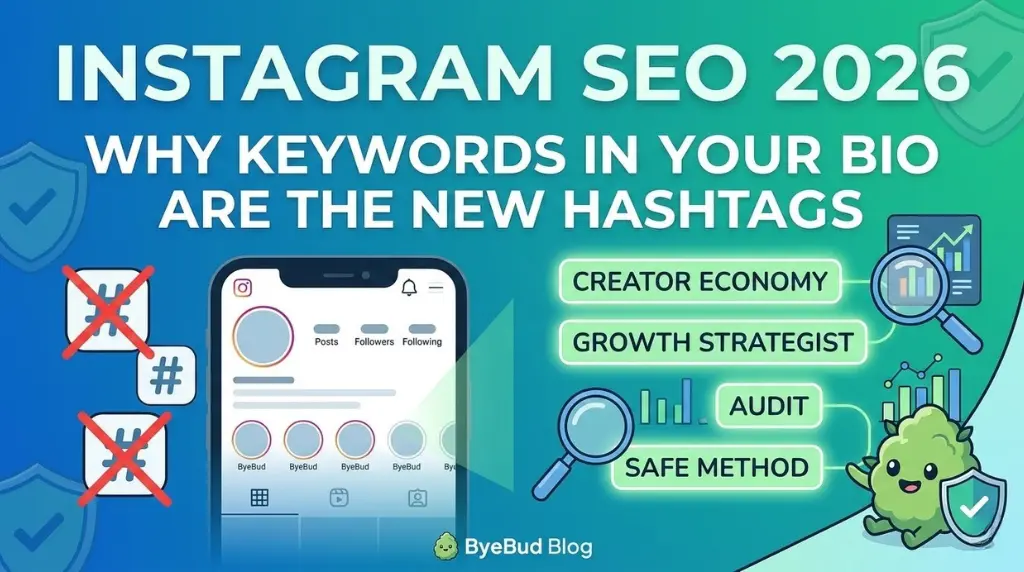
The era of "hashtag stacking" is officially over. In 2026, the Instagram algorithm has pivoted toward Natural Language Processing (NLP), meaning the AI now "reads" your profile like a search engine rather than just counting tags. If you want to be discoverable this year, your bio needs to be optimized for search intent, not just aesthetics.
Why NLP Outranks Traditional Tagging
In 2026, Instagram's AI understands the context of your content. Instead of relying on a block of 30 hashtags, the algorithm looks at your Handle, Name Field, and Bio to categorize your account. If these elements aren't optimized with the right keywords, you are essentially invisible to new followers searching for your niche.
3 Pillars of 2026 Profile SEO
1. The "Searchable" Name Field
Your "Name" is different from your "Username" (handle). While your handle should be your brand name, your Name Field is a high-value SEO real estate.
- Old Way: "Taylor Reed | Creator"
- 2026 Way: "Taylor Reed | Vegan Meal Prep & Fitness Tips"
- Pro-Tip: Include the exact 2-3 keywords someone would type into the search bar to find you.
2. Keyword-Rich Bio Descriptions
Your bio is no longer just a place for a witty quote. The 2026 algorithm scans your bio text to determine your "Account Authority."
- Use natural sentences that include secondary keywords.
- Instead of "Helping you grow," try "Sharing Instagram growth strategies and social media audits for creators."
- NLP Rule: Write for humans first, but ensure the AI can clearly identify your niche within the first 100 characters.
3. The Death of the Hashtag Cloud
Recent data shows that posts with 3-5 highly relevant, descriptive tags actually outperform those with 30. The AI now views "tag spam" as a low-quality signal.
- Focus on Category Tags that match the keywords in your bio.
- Consistency between your bio keywords and your post captions creates a "Relevancy Loop" that pushes your content to the Explore page.
Auditing for Search Intent: Is Your Audience Finding You?
A high unfollow rate in 2026 often stems from Search Mismatch. If your SEO brings in the wrong people, they will unfollow as soon as they realize your content doesn't match their intent.
How to Fix Your Search Relevancy:
- Analyze Your Current Keywords: Look at your most successful posts. What words are you using in the captions?
- Align Your Bio: Ensure those winning keywords appear in your profile bio.
- Clean Your "Data Poisoning": If you previously used "growth hacks" or generic hashtags, you might have attracted bot accounts that confuse the algorithm.
ByeBud Tip: Use ByeBud to audit who is actually staying loyal to your account. If you notice a high churn rate after changing your SEO strategy, it’s a sign you need to refine your keywords to better match your actual content.
Step-by-Step: Your 2026 Bio Makeover
- Identify 3 Core Keywords: What are the three most important words in your niche? (e.g., "Photography," "Lightroom," "Portrait").
- Update Your Name Field: Add your primary keyword next to your name.
- Rewrite Your Bio: Craft two sentences using your secondary keywords naturally.
- Add ONE Location Tag: If you are a local business, this is the most powerful SEO signal you have left.
- Remove the Junk: Delete "hidden" hashtags in your bio; they no longer help with search and clutter the UI.
Conclusion
Instagram SEO in 2026 is about clarity and context. By treating your bio like a landing page and using keywords that trigger the NLP algorithm, you’ll attract followers who actually want to engage with your content.
Stop guessing what works and start using the data Instagram provides. Optimize your bio, clean up the "noise" in your follower list with ByeBud, and watch your search rankings—and your empire—grow.
Want to see who isn't following you back right now?
Use our safe Instagram unfollower checker — no login needed. Upload your official Instagram data export and get instant results.
Related articles
- Auditing Nonprofit Instagram Accounts: Beyond Vanity Follower CountsFor charities and community organisations, social media success is measured in real-world action, not follower tallies. Here is how to run an effective, privacy-first audit.
- What Happens When an Instagram Follower Deactivates or Deletes Their AccountWhen a follower disappears, they may not have unfollowed you. Discover how Instagram handles deactivated and deleted accounts, from missing DMs to cached counters.
- How to Remove Third-Party Apps Connected to Your InstagramA complete, step-by-step cleanup guide on how to audit, revoke, and remove third-party apps connected to your Instagram account on mobile and desktop.
- What Happens to Instagram Reach in the First 14 Days After a Follower PurgeDoes removing followers affect reach immediately? Here is a breakdown of what happens to your Instagram impressions, engagement percentages, and algorithmic distribution during the first 14 days after an audience clean-up.
- Why Your Instagram Export Count Is Missing Deactivated AccountsWhen your official Instagram export lists fewer followers than the number displayed on your profile, deactivated accounts and pending requests are usually responsible. Here is how Meta treats dormant records in data downloads.