Instagram Bot Purge or Real Followers: How to Tell Why Your Numbers Dropped
Want to see who isn't following you back right now?
Use our safe Instagram unfollower checker — no login needed. Upload your official Instagram data export and get instant results.
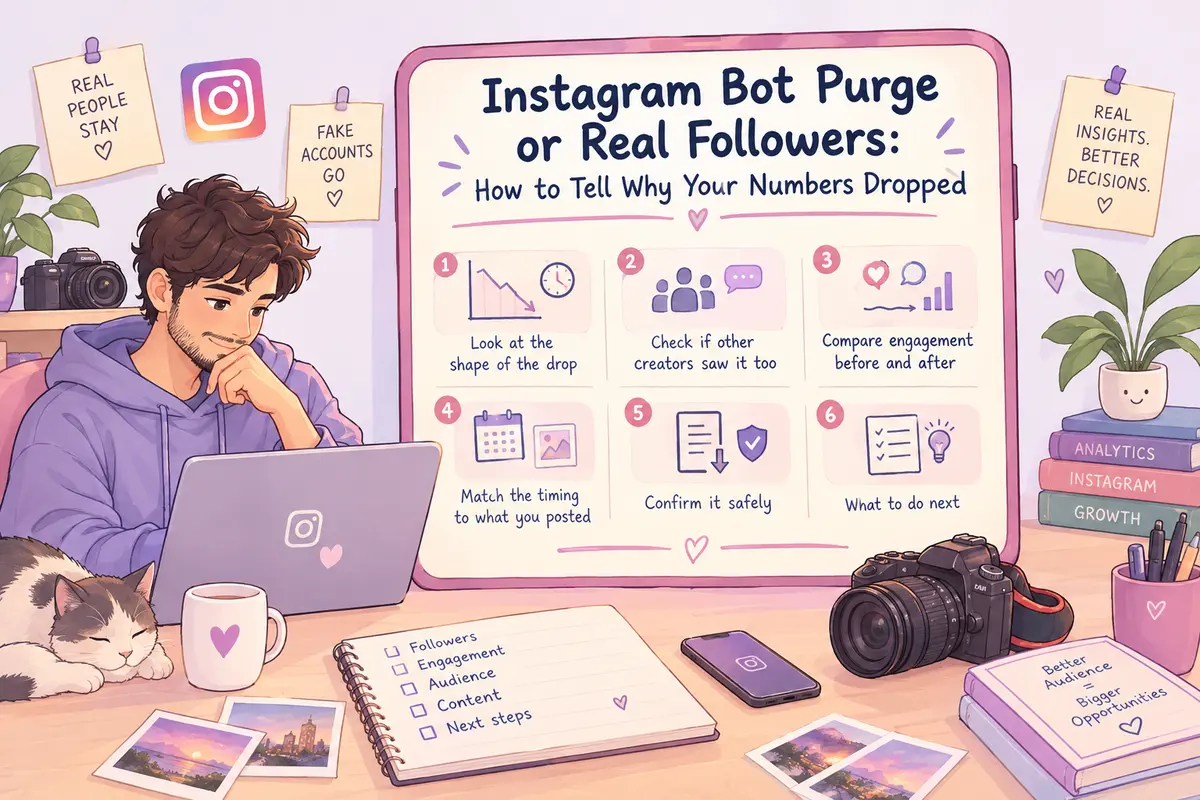
Look at the shape of the drop
A bot purge is steep and fast. Instagram periodically clears out deactivated accounts, spam networks, and bot farms with no warning. You can lose hundreds or thousands of followers within a few hours, with zero change in your engagement.
Real unfollows are different. Someone sees a post that doesn't land, and unfollows in that moment. That produces a slow drip over days, tied to your publishing schedule — not a cliff.
Check if other creators saw it too
Platform-wide purges hit accounts broadly and all at once. If people in creator forums or unrelated niches are reporting a similar drop on the same morning, that's a strong sign it's a Meta-side cleanup — not something about your content.
Compare engagement before and after
This is the most reliable check. Bot accounts were never watching your stories or leaving comments — they were just padding your count.
So if your posts averaged 400 likes and 80 comments before, and get the same numbers after losing 300 followers, those 300 were dead weight. Your real engagement rate actually improves here.
If your engagement drops along with your follower count, that's real people leaving.
Match the timing to what you posted
Real unfollows are triggered by something — a sales-heavy post, a sudden style change, posting too often in one day. If the drop lines up with a specific post, that's user-driven.
If you lost followers during a stretch where you posted nothing, that's not organic. People don't usually go looking for a quiet account just to unfollow it. That points to a platform sweep.
Confirm it safely
Don't use any app that asks for your Instagram login to "track" your unfollowers — that breaks Instagram's terms and risks your account. Use Instagram's own data export instead, from your account settings.
ByeBud reads that file locally in your browser, no login required, and lets you compare your current followers against a past export to see exactly who left. Random usernames with no profile picture or broken profile links mean a bot purge. Recognizable accounts from your actual community mean real churn.
What to do next
If it was a bot purge: do nothing to your content strategy. Don't address it publicly — your real community didn't leave. Just recalculate your baseline engagement rate; it's more accurate now.
If it was real followers leaving: look at what you posted right before the drop. Check if recent content has drifted from what attracted people in the first place. Consider whether you've been posting too much low-value content in a short window.
Knowing which one you're dealing with keeps you from overreacting to a routine cleanup, or ignoring a real signal that something needs to change.
Want to see who isn't following you back right now?
Use our safe Instagram unfollower checker — no login needed. Upload your official Instagram data export and get instant results.
Related articles
- 5 Content Changes to Test After Your Instagram AuditA profile audit shows where you lose audience attention. Here is a five-step testing plan to refine hooks, carousels, and stories for better retention.
- The Math Behind Rising Engagement Rates as Followers DropLosing followers can actually improve your performance metrics. Here is the mathematical formula behind rising engagement rates and why a smaller audience often boosts distribution.
- What to Do If You Gave Your Password to an Instagram AppIf you gave your password to an unfollower tracker or third-party app, act fast. Here are the exact damage-control steps to secure your Instagram account right now.
- How to Calculate Real Instagram Engagement From Your Data ExportLearn how to calculate your real Instagram engagement rate directly from your raw data export files using a precise formula and weighted interaction metrics.
- When an Instagram Audit Is a Complete Waste of Your TimeAuditing your Instagram audience sounds responsible, but doing it too early or too often is pure procrastination. Here is when an audit is a waste of time and what actually moves the needle.