How Many People Can I Unfollow Per Hour in 2026?
Want to see who isn't following you back right now?
Use our safe Instagram unfollower checker — no login needed. Upload your official Instagram data export and get instant results.
Want to clean up your following list without getting blocked?
Use our safe Instagram unfollower checker — no login needed. Upload your official Instagram data export and see exactly who isn't following you back instantly.
The "Action Block" Trap
We have all been there: you finally decide to clean up your Instagram, you get into a rhythm, and suddenly—pop up. "Action Blocked." Instagram has temporarily stopped you from unfollowing anyone.
In 2026, Instagram's anti-spam AI is smarter and stricter than ever. If you go too fast, they assume you are a bot. To keep your account safe, you need to know the speed limits.
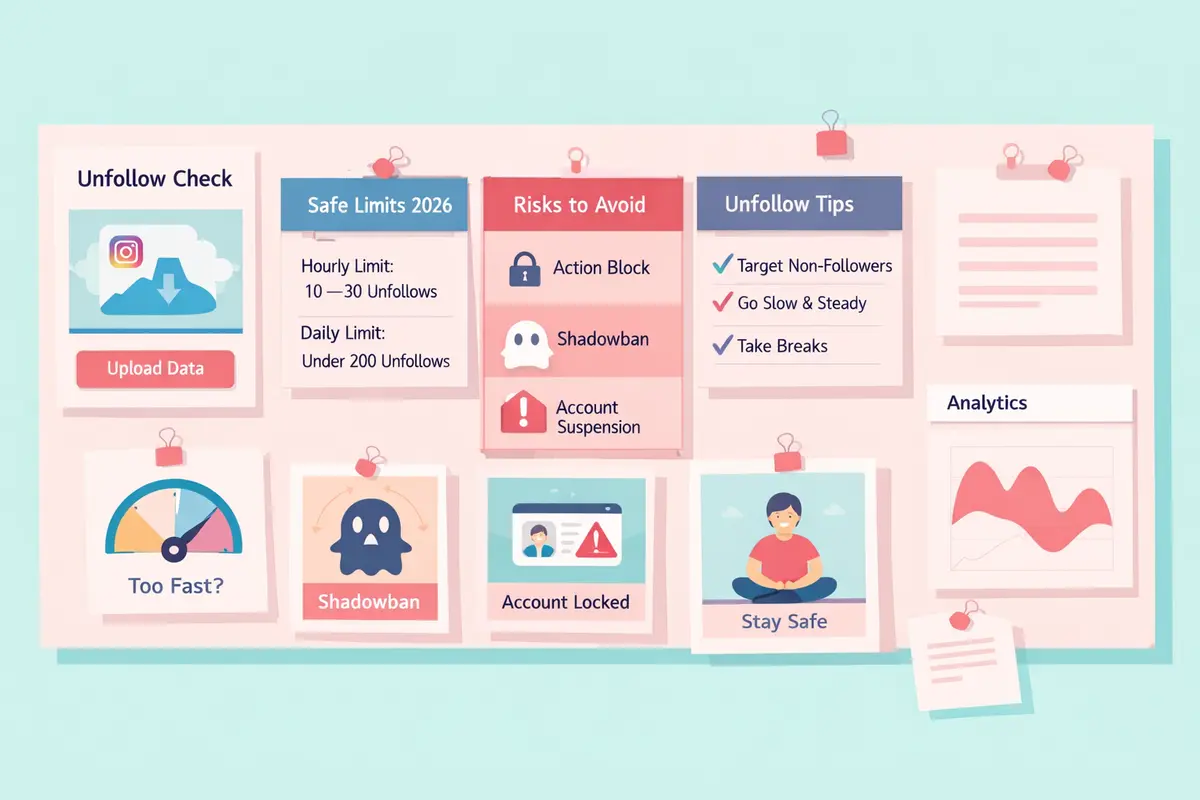
The Safe Speed Limits for 2026
Limit #1: New Accounts (Under 3 Months Old)
If your account is fresh, you are on a "probationary" period. Instagram watches your actions closely!
Hourly Limit: Do not exceed 10 unfollows per hour.
Daily Limit: Keep it under 100 unfollows per day.
Limit #2: Established Accounts (Over 6 Months Old)
Older accounts with a history of real behavior have a bit more trust, but you still have a ceiling.
Hourly Limit: You can safely do 30–50 unfollows per hour.
Daily Limit: Try not to exceed 200 unfollows per day.
Limit #3: The "Warm-Up" Rule
Never jump straight to the maximum. If you haven't unfollowed anyone in months, don't suddenly unfollow 200 people today. Start with 50, then 75, then 100 over a few days.
Why Speed Matters (The Risks)
The "Try Again Later" Loop
This is the most common punishment. You will be blocked from following, liking, or commenting for anywhere from 24 hours to 7 days.
The Shadowban
If you consistently hit the limit, Instagram may not block you, but they will "ghost" you. Your content won't appear in hashtags or the Explore page because the algorithm has flagged you as "spammy behavior."
Account Suspension
In extreme cases, rapid unfollowing mimics the behavior of "follow/unfollow" bots. This can trigger an immediate suspension requiring ID verification to unlock your account.
How to Unfollow Safely
Step 1: Identify Your Targets First
Don't scroll and guess. Use ByeBud to generate a clean list of everyone who doesn't follow you back. This lets you be strategic about who you remove.
Step 2: Do It Manually
Never use an app that "automatically" unfollows for you. Those use API calls that Instagram detects instantly. Always unfollow manually inside the official Instagram app.
Step 3: Break It Up
Set a timer. Unfollow 10 people, then scroll your feed for 5 minutes. Like a few photos. Watch a Story. Then unfollow 10 more. This "human" behavior signals to the algorithm that you aren't a bot.
Step 4: Stop at the First Sign of Trouble
If the app lags, or if a "Confirm you are human" captcha pops up, stop immediately. Do not touch the unfollow button for at least 24 hours.
Conclusion
Cleaning your account is great for your engagement, but patience is the key. Stick to the 10 per hour rule for new accounts and the 30–50 per hour rule for older ones. Use ByeBud to plan your cleanup, and execute it slowly to keep your account safe and healthy.
Want to see who isn't following you back right now?
Use our safe Instagram unfollower checker — no login needed. Upload your official Instagram data export and get instant results.
Related articles
- Auditing Nonprofit Instagram Accounts: Beyond Vanity Follower CountsFor charities and community organisations, social media success is measured in real-world action, not follower tallies. Here is how to run an effective, privacy-first audit.
- What Happens When an Instagram Follower Deactivates or Deletes Their AccountWhen a follower disappears, they may not have unfollowed you. Discover how Instagram handles deactivated and deleted accounts, from missing DMs to cached counters.
- How to Remove Third-Party Apps Connected to Your InstagramA complete, step-by-step cleanup guide on how to audit, revoke, and remove third-party apps connected to your Instagram account on mobile and desktop.
- What Happens to Instagram Reach in the First 14 Days After a Follower PurgeDoes removing followers affect reach immediately? Here is a breakdown of what happens to your Instagram impressions, engagement percentages, and algorithmic distribution during the first 14 days after an audience clean-up.
- Why Your Instagram Export Count Is Missing Deactivated AccountsWhen your official Instagram export lists fewer followers than the number displayed on your profile, deactivated accounts and pending requests are usually responsible. Here is how Meta treats dormant records in data downloads.